Using a Visa gift card at the pump requires registering your ZIP code first—either online or through the card’s 1-800 number. Gas stations place temporary holds (usually $20–$125) on your balance to cover the final charge, which can exceed what you actually pump. You’ll need enough available funds for the hold, not just the gas amount. If the pump declines your card, try paying inside instead, where you control the exact amount charged. Planning ahead prevents those frustrating declines.
What Happens When You Swipe a Visa Gift Card at the Pump?
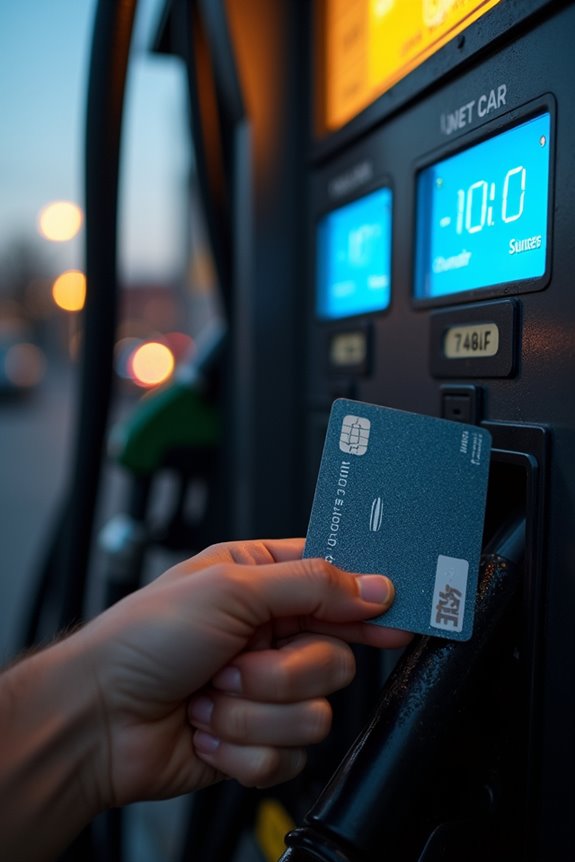
When you swipe a Visa gift card at the gas pump, the station doesn’t just charge you for what you actually buy—it puts a temporary authorization hold on your account first. This hold amount varies by station and might be $20, $30, $50, or even $125, which is way more than you’re actually spending. That hold reduces your available funds for about 5–7 business days, so you’ve got less money to work with temporarily. If the hold exceeds your card’s balance, the transaction gets declined—awkward. Some stations do a small $1 authorization to start the pump before charging the final amount. Eventually, the hold releases or converts to your actual purchase price. Understanding how this works helps you manage your card balance at the pump.
Why Gas Stations Hold Your Balance
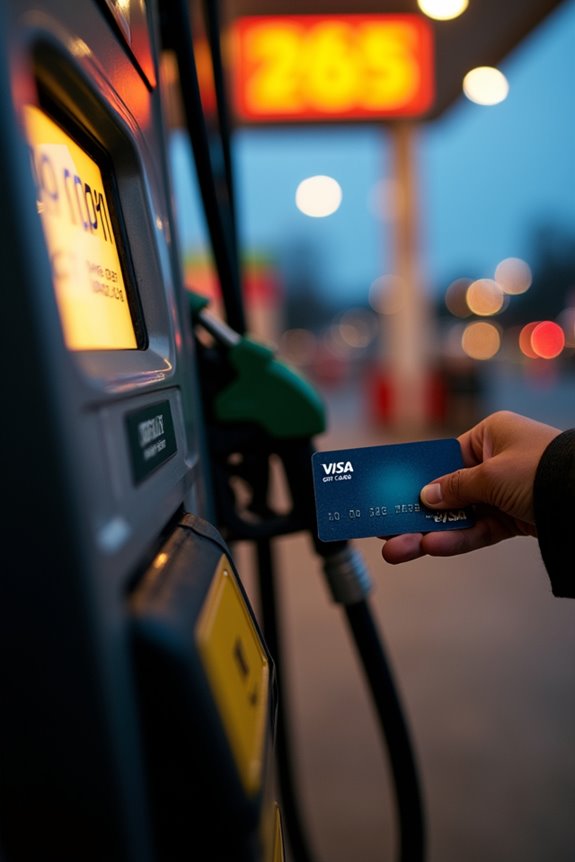
When you swipe your Visa gift card at the pump, the gas station doesn’t instantly charge you for exactly $20 or $30 of fuel—instead, it places a hold on your card to cover the transaction, and this hold amount varies depending on the station, ranging anywhere from $1 to $125. Here’s the thing: that hold ties up your available balance for 5–7 business days while the merchant processes the final charge, so if your card only has $50 on it and the station places a $125 authorization hold, you’ll watch your card get declined even though you technically have enough money. Understanding this process matters because it shapes whether you pay inside (where you can specify an exact amount) or risk the pump’s unpredictable hold eating up your entire balance.
Authorization Hold Process
Ever wonder why your Visa gift card shows less available balance after you swipe it at the pump, even though you haven’t finished filling up yet? That’s the authorization hold at work. When you insert your card, the gas station places a temporary hold on your funds—usually $20, $30, $50, or $125, depending on the station. This hold isn’t your actual charge; it’s just reserved money sitting in limbo. The final amount posts once you’re done pumping, but that hold can keep your balance locked up for 5–7 business days. Some stations even start with a $1 authorization to open the pump. If the hold exceeds your available balance, you might face a declined card. Understanding this process helps you avoid frustrating surprises at the pump.
Funds Availability Timeline
Why does that authorization hold stick around so long? Well, it’s not actually the gas station being mean—it’s how the banking system works. When you swipe your Vanilla Visa at the pump, the authorization hold freezes your funds while the transaction processes. Here’s what happens during those frustrating days:
- The hold can last 5–7 business days before dropping back to your available balance
- Your card issuer and the gas station communicate separately, causing timing delays
- The actual charge posts later, leaving you wondering where your money went
Think of it like this: the authorization hold is a temporary reservation. Your funds aren’t gone, just unavailable. Understanding this timeline helps you plan better and avoid overdraft surprises. You’re not alone in experiencing this—it’s a shared frustration among gift card users everywhere.
Balance Requirements Impact
Have you ever swiped your Visa gift card at the pump only to get declined, even though you thought you had enough balance? That’s the hold at work, and it’s pretty frustrating.
Here’s what happens: gas stations place an authorization hold on your card—sometimes $20, $30, $50, or even $125—before you pump a single gallon. If your gift card’s balance is smaller than that hold amount, the pump won’t start. You’re basically stuck.
The hold isn’t your final charge, either. It just sits there, keeping funds locked up for 5–7 business days. So even if you only pump $15 worth of gas, that larger hold keeps your remaining balance unavailable.
To avoid this problem, pay inside with your gift card instead. You’ll control the exact amount charged, and you’ll join other shoppers who’ve figured out this practical workaround.
Register Your ZIP Code
To use your Vanilla Visa at the pump, you’ll need to register your ZIP code. The process is straightforward. You can access your card info on the Vanilla site, enter your 16-digit number and security details, then add your ZIP and save the changes. Once you’ve registered, allow about 5–15 minutes for activation, and you’re ready to fuel up.
Access Your Card Balance
Before you can pump gas with your Vanilla Visa Gift Card, you’ll need to register a ZIP code—and it’s straightforward. Once you’ve completed registration, checking your balance becomes a reliable tool.
Head to the Vanilla site’s balance page and log in with your card details. You’ll see exactly how much you’re working with before hitting the pump. Here’s what this step provides:
- View your current balance instantly
- Verify recent transactions to catch any surprises
- Confirm you’ve got enough funds for gas
Think of it as your financial checkpoint. Knowing your balance prevents awkward pump-stop moments when your card gets declined. Plus, you’ll spot any unauthorized activity quickly. This quick peek takes seconds but prevents real inconvenience, keeping you in control of your spending.
Enter Registration Information
Why does a gas station need your ZIP code? It’s basically a security thing—they want to make sure you’re actually the cardholder before letting you pump gas. Pretty straightforward, right?
ZIP code registration is simple. Head to the Vanilla site, find “Check your balance and view transactions,” then enter your 16-digit card number, expiration date, and security code. You can register any five-digit ZIP code, even someone else’s if needed.
After you save your changes, the registration takes effect within 5–15 minutes. That’s it! You’re ready to go.
If something goes wrong during registration, just call the 1-800 number on your card. Their automated system will handle the ZIP code registration for you, no problem.
Activation Timing and Flexibility
How quickly does your Visa gift card become active at the pump? ZIP code registration doesn’t require a waiting period. Once you’ve entered your card details on the Vanilla site and added your five-digit ZIP code, you’re ready to go.
What to know:
- Changes take 5–15 minutes to take effect
- If online registration doesn’t work, call the 1-800 card number for automated registration
- Your ZIP code can be any valid five-digit number, providing flexibility
The timing is straightforward. Most people can handle a short wait before using the card at the pump, and that window gives you time to grab a snack or plan your route. Plenty of other cardholders have completed this process without difficulty.
How Much Balance Do You Need Before Visiting the Pump?
When you’re ready to swipe that Visa gift card at the pump, you’ll want to know exactly how much balance you need sitting on it. Here’s the thing: gas stations place authorization holds before you even finish pumping, and your remaining balance must cover that hold or the pump declines your card.
| Hold Amount | Your Balance Needed | What Happens |
|---|---|---|
| $20 | $20+ available | Standard hold, most common |
| $30 | $30+ available | Mid-range station requirement |
| $50 | $50+ available | Higher-tier hold amount |
| $125 | $125+ available | Maximum typical hold |
The hold isn’t your final charge—it just freezes those funds for 5–7 business days. To avoid this inconvenience entirely, pay inside instead. You’ll specify your exact amount and avoid surprises altogether.
The $1 Authorization: A Rare Alternative at Some Stations
Ever noticed a tiny $1 charge pop up on your Visa gift card at the pump, only to disappear later?
You’re not alone. Some gas stations use a $1 authorization as a rare alternative verification step before you fill up. Here’s what’s happening:
- The $1 hold checks whether your card’s active and has available funds
- It’s temporary and doesn’t represent your actual gas purchase amount
- Your final charge adjusts to match what you actually pumped
Not every station does this—it depends on their payment processor setup and policies. When you encounter a $1 authorization, don’t panic. That small hold vanishes once your real transaction processes. Your card will then charge the correct amount for your gas purchase. It’s just stations being cautious while protecting both you and themselves.
Why Paying Inside Gives You Better Control
Want to know the best way to avoid surprises at the pump? Paying inside gives you control over your Vanilla Visa Gift Card spending. When you walk into the station and tell the attendant your exact amount, a pre-authorization gets placed for only that sum. No guessing, no overcharging, no stress.
Here’s what happens: you’re basically treating your gift card like cash. Say “Put $40 on Pump 2,” and that’s it. Your receipt shows precisely what you spent, giving you solid documentation. This method bypasses those frustrating pump limitations that sometimes reject gift cards mid-transaction.
You’ll join plenty of savvy customers who’ve ditched pump anxiety altogether. Paying inside means you’re in the driver’s seat, knowing exactly what leaves your card.
Common Reasons Your Gift Card Gets Declined at the Pump
Why does your Visa gift card suddenly stop working right when you’re ready to fuel up? It’s frustrating, but there’s usually a simple explanation behind the decline.
Gas stations place holds on your card that can lock up $20 to $50 or more before the final charge clears. If your card balance can’t cover that pre-authorization, you’re declined immediately. Here’s what commonly trips you up:
- Insufficient funds for the hold amount, not just the actual gas
- Missing ZIP code registration that blocks authorization for pump purchases
- PIN number issues if the station requires one but you haven’t set it up
Some stations even start with a $1 authorization to open the pump, then switch to the real amount—which still fails if funds are over-committed. Knowing these roadblocks helps you fuel up smoothly.
How Long Authorization Holds Stay on Your Account?
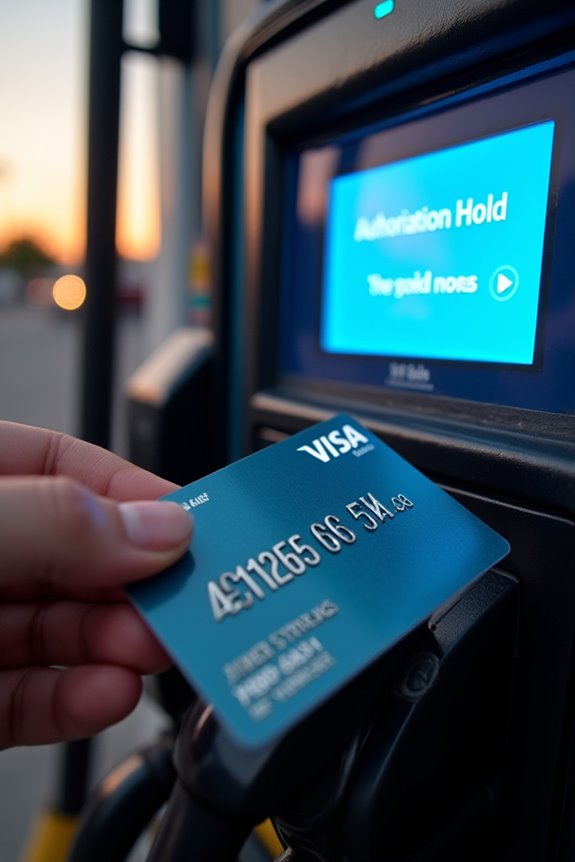
When you swipe your Visa gift card at the pump, that $20, $30, $50, or even $125 hold doesn’t vanish the moment you drive away—it sticks around for a bit. Here’s the deal: authorization holds typically last 5–7 business days before funds release back to your card. It’s not the final charge, just a temporary reservation while the station verifies everything’s legit.
The wait can feel frustrating, especially if you’re watching your available balance. Some stations use a two-step process: a $1 authorization opens the pump, then the actual amount posts later. This method works well because it reduces the hold impact on your gift card.
Understanding this timeline helps you plan better. You’ll know your funds aren’t actually gone, just temporarily held while the transaction settles.
What to Do If ZIP Code Registration Fails
Beyond those authorization holds, you might run into another hiccup at the pump: your ZIP code registration just won’t go through. There are several solutions available to get your gift card working.
Here’s what you can try:
- Call the 1-800 number printed on your Vanilla Visa card for direct support
- Use the automated phone system to register your ZIP code if the online site keeps failing
- Try registering with any five-digit ZIP code (it doesn’t need to match your actual address)